
Clash Installation Guide: 5-Platform Setup Walkthrough
From downloading and installing to importing your subscription link and enabling the system proxy — every step in one guide, no experience required.
Read the Installation GuideClash Manual · ClashManual
Clash is a popular open-source proxy tool many people use to unblock international content and route traffic by rule. Clash Manual brings together beginner installation guides, rule-based configuration tutorials, and core engine explanations, along with download links for Windows, macOS, Android, iOS, and Linux — so you can read and download in one place, without the trial and error.





Hong Kong, Tokyo, Singapore, Los Angeles, and more — proxy nodes worldwide are automatically ranked by latency, so you can switch to the fastest route in one click. Smooth and stable for gaming acceleration, streaming unblock, and cross-border work.
Download NowEvery request passes through the rule engine — local sites connect directly in milliseconds, while international traffic is automatically routed to the best proxy node. No manual switching required.
A multi-dimensional matching system based on domain (DOMAIN), IP range (IP-CIDR), and geolocation (GEOIP), with support for subscribed rule sets and online updates. You just browse — let Clash handle the routing.
Learn Rule SyntaxFrom protocol compatibility to core performance, from configuration flexibility to open-source transparency — here's why Clash is so widely used.
Performance
Natively compiled with goroutine concurrency and a minimal memory footprint. Handles thousands of concurrent connections with ease, staying fast and stable even after hours of continuous use.
Protocol Support
Import subscription links in one click — compatible with most proxy providers.
Node Latency Testing
Continuously tests node latency in the background, always routing traffic through the fastest available line.
Configuration File
A human-readable configuration format — even beginners can understand and edit it without guesswork.
Free & Open Source
Open-sourced under the GPL-3.0 license and audited by developers worldwide. No ads, no tracking, no hidden fees.
The Android and iOS clients share the same configuration philosophy as desktop. Sync subscriptions, switch nodes, and track traffic — all with a tap.
Supports Windows, macOS, Android, iOS, and Linux. Clash Manual has gathered download links for the open-source client on every platform, all pointing directly to official GitHub release pages — clean, no bundled extras.
From your first installation to writing your own routing rules, Clash Manual's step-by-step tutorials are updated regularly — just follow along.Read In-Depth Blog Articles

From downloading and installing to importing your subscription link and enabling the system proxy — every step in one guide, no experience required.
Read the Installation Guide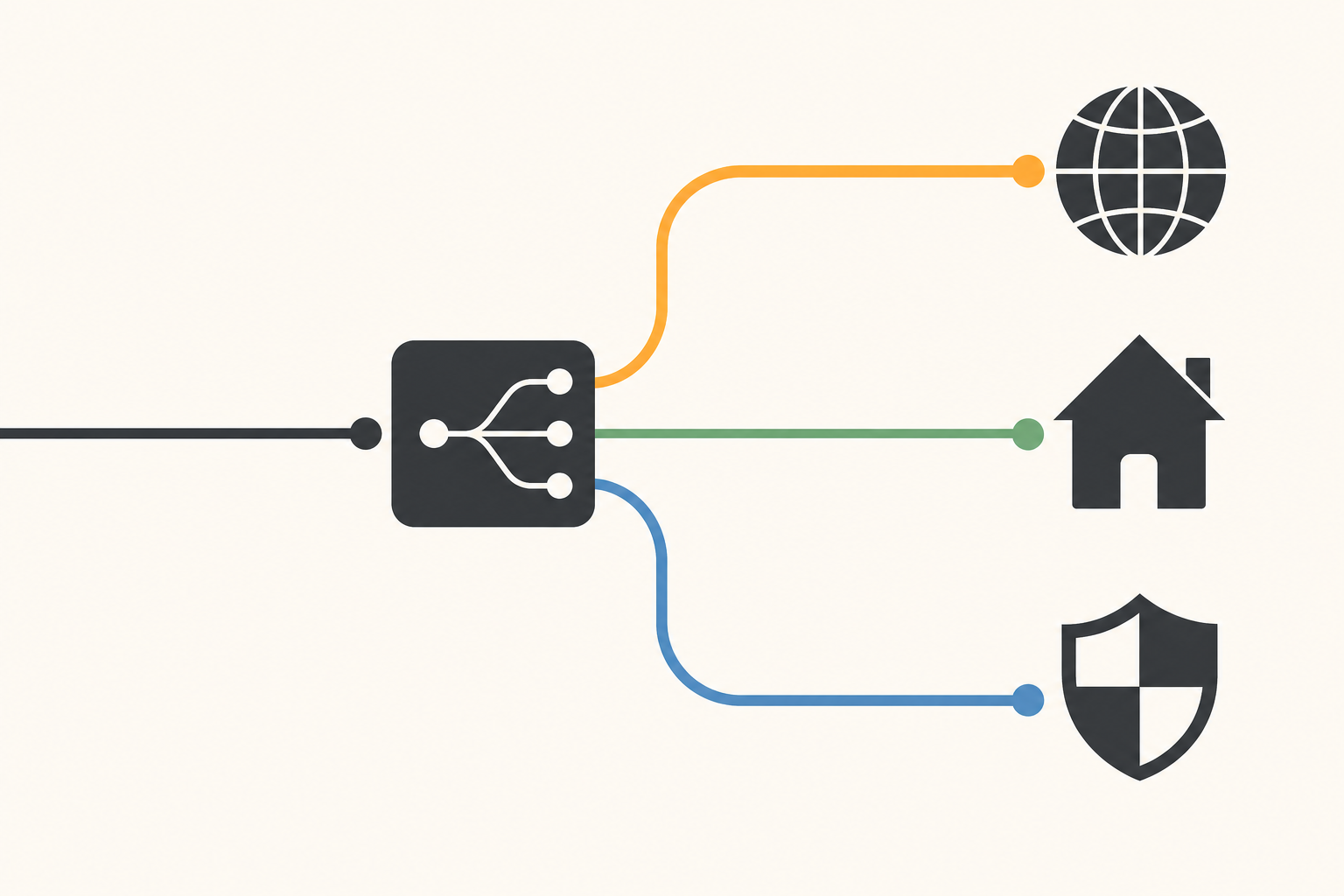
A step-by-step breakdown of DOMAIN, IP-CIDR, and GEOIP rule syntax, so you can control exactly where each connection goes.
Read the Configuration Guide
From TUN mode to the rule-matching engine, understand what every field in config.yaml actually does.
View the Configuration ReferenceEvery tutorial on Clash Manual is based on this open-source project. Its source is hosted on GitHub under the GPL-3.0 license, refined over years of updates and audited by the community — these numbers are votes of trust from users worldwide.